Author: Catzie

  • Web Security: How SQL Injection is done


    SQL injection is one of the most common website exploits. For us developers to prevent SQL injection attacks, we must first understand how it’s done. Together, let’s review the basics of SQL injection.

    Remember, let’s use our knowledge on good things only, okay?

    Okay meme

    The scope of this post is only a MySQL injection sample from PHP code. I am on a Windows 7 computer, using Git Bash and running SQL commands via command line, and coding my PHP file via VIM editor. My localhost is run by XAMPP.

    I will be using MySQL, not MySQLi or PDO which have prepared statements, because the SQL injection is easier to demonstrate in MySQL.

    Create database

    I’m running these commands via command line.

    What I do is run the mysql command like this: path_to/xampp/mysql/bin/mysql -h localhost -uMyUsername -pMyPassword


    Then run use MyDatabaseName; to select a database.

    This is a very simple database table with only 3 columns: the primary key “id”, “name”, and “secret”. The value of “secret” column, as its name implies, is user’s secret so nobody else should know about this, especially unauthorized users.

    Then insert data using the following commands:

    As you can see, those are dirty little secrets of our users, which in my case, are dogs in my house. :3

    epi-pinky-asia-dogs-chihuahua

    They are cute little chihuahuas who have embarrassing secrets just like humans. But because I’m using their secrets are samples in my database, these secrets won’t be secrets any longer. I also need to not secure my script for demo purpose. Sorry little babies 🙁 The readers don’t know you personally anyway. Hehehe

    show tables; in mysql command line should show that 3 rows have been inserted.

    Unsecured PHP script that runs MySQL query

    Let’s save this as path_to/xampp/htdocs/test_sql_injection.php

    Expectation vs. Reality

    Expectation: The PHP script should be accessible through this URL: http://localhost/test_sql_injection.php since we saved it in the htdocs folder. We will be able to query the ‘users’ table by supplying a GET param called “name” in the URL, like so: http://localhost/test_sql_injection.php?name=epi and the script will show us the id, name, and secret of the matched row.

    It should be safe as long the attacker only searches for a name that he/she already knows, right? Hmm, nope!

    Reality: If the attacker passes malicious string as GET parameter, he/she can view ALL rows in our users table.

    How? I’ll walk you through it.

    Exploiting the vulnerability of PHP script via SQL Injection

    Note: Originally, my PHP script had $_POST data instead of $_GET and I was POSTing the ‘name’ for the query via curl --data "name=A' OR 'x'='x" http://localhost/catzie_injection.php. After changing it into GET, I couldn’t hack the script with the same string value passed to ‘name’. I don’t know why. So to make life easier, let’s just hack it by accessing the URL via web browser.

    Imagine yourself as a curious person with potential in hacking, and pretend you don’t know what we inserted to the database earlier! 😆

    meme challenge accepted

    Access the following URL with your browser:

    It should should give you information about the user named Epi. Here’s what it shows:

    Connected to db
    your input param is epi
    Your MySQL query is: SELECT * FROM users WHERE name = 'epi'
    id: 1, name: Epi, secret: I eat poop. Don't tell mommy.
    That is all!

    yuck meme

    Oops, we saw Epi’s secret! That’s literally a dirty little secret, isn’t it? But that’s ok, because Epi told us we can look up her secret in this database.

    Now, aren’t you curious about the secret of other users in the database? Aren’t you tempted to hack into the database?

    How can we hack this script so that we could view all database rows, and not just Epi’s details?

    Let’s try this URL, with empty query:

    Uhhh, nope. I only got this:

    Connected to db
    missing name param

    meme-face-thinking

    Ooh, I know! Maybe I can manipulate the query string of the PHP string!!!

    Let’s try this now:

    I got this result in my browser:

    Connected to db
    your input param is x' or 'x'='x
    Your MySQL query is: SELECT * FROM users WHERE name = 'x' or 'x'='x'
    id: 1, name: Epi, secret: I eat poop. Don't tell mommy.
    id: 2, name: Pinky, secret: I'm a spoiled brat who's always fighting with other dogs
    id: 3, name: Asia, secret: I eat too much my belly is touching the floor
    That is all!

    success-meme-face

    Now we know the secrets of other users. 😆

    The danger

    You should understand by now that this vulnerability can lead to exposure of even more sensitive information to the attacker, such as passwords, contact numbers, addresses, etc.

    Explanation of how we hacked to see all database rows

    How did that happen? It’s all in the manipulated query!

    The intention of the PHP script is to construct a query like this:

    But instead of passing a real name, we passed this value:

    Notice that we did not add a quote at the beginning and end of the value. It’s because that value is inserted between the single quotes in my PHP script’s query string, so that it produces this query:

    The 'x'='x' in the WHERE clause will always return true, and since “or” only requires one true value, then every row in the database becomes a match for the SELECT query.

    How to prevent SQL injection attacks like this?

    Sorry but I won’t cover tutorials on how to do that in this post.

    meme are you kidding me

    Now, now, don’t get mad! Basically, what you need to do is use “prepared statements” with MySQLi or PDO.

    Please refer to the following articles that will give you precise instructions on how to secure your PHP scripts and web apps so that you could prevent SQL injection attacks.
  • Prevent direct access to directories of subdomains

    From my hosting platform (e.g. cPanel), I created two subdomains for web apps.

    The web apps reside in the following directories:
    /foo/bar/app_one/
    /foo/bar/app_two/

    And the subdomains I created are accessed through these URLs:
    http://app_one.bar.domain.com (pointing to /foo/bar/app_one/ directory)
    http://app_two.bar.domain.com (pointing to /foo/bar/app_two/ directory)

    For security purpose, I don’t want anyone to access the web app directories via these URLs:
    http://domain.com/foo/bar/app_one/
    http://domain.com/foo/bar/app_two/

    So, I updated the .htaccess in my public_html and added this:

    With these lines added, anyone who tries to go to http://domain.com/foo/bar/app_one/ is redirected to http://app_one.bar.domain.com

    Reference/Source: Prevent Access to Subdomain Folder from Main Domain

  • Learning MongoDB on Windows 7 (Shell Edition)

    I’ve worked on a high-volume site that processed thousands of telecom network subscribers everyday. Me and the rest of the team managed to handle the challenges using MySQl and query optimizations, but now, I wonder how easier the tasks would have been if we had used NoSQL / MongoDB back then.

    My environment and methods:

    As I wrote this tutorial, I was using Windows 7. I will be using MongoDB Shell edition on my Git Bash.

    I actually haven’t used MongoDB yet, but I’m trying to learn it now. Let me share with you the steps I’ve been taking.

    MongoDB: Beginner’s guide

    For the MongoDB terms such as document, collection, shards, query routes, All out beginner’s guide to MongoDB from Analytics Vidhya provides good explanation.

    Download for Windows 7

    Download the latest version of signed .msi file from MongoDB Win-32 downloads page. As of writing this was the version I downloaded.

    Getting Started with MongoDB (MongoDB Shell Edition)

    Let’s follow the instructions from the MongoDB website on getting started with MongoDB using Shell.

    You may choose other editions such as Java, Python, Node.JS, and others in this page.

    Common hiccups

    MongoDB error: SyntaxError: missing ; before statement @(shell)

    While running the mongoimport command, if you get this kind of error in your shell for MongoDB:

    E QUERY [thread1] SyntaxError: missing ; before statement @(shell)

    Try to open a new command prompt / Git Bash window (or whatever you’re using), navigate to the directory where your mongo.exe is (e.g. C:/MongoDB/bin/) and run your mongoimport command there.

    MongoDB Improper shutdown

    When I press Ctrl + C it leads to “improper shutdown” error. Refer to this doc to repair / recover from improper shutdown of MongoDB.

  • Mob Psycho 100 anime episode 2 review (SPOILER ALERT)

    Mob Psycho 100 anime episode 2 review (SPOILER ALERT)

    I watched the second episode of Mob Psycho 100 last night and though I said in my episode 1 reaction that I found the manga chapters 1 and 2 were funnier than anime’s episode 1, I liked the anime’s episode 2 better than manga chapters 3 and 4. Mob Psycho 100 episode 2 featured funny scenes that were either not in the manga (or did I just forget them? hope not),  or not as well-presented in the manga.

    Oh look, it’s a reference to the One-Punch Man manga:

    Screenshot_2016-07-20-22-42-35

    It seems that Reigen has more talent in other fields than being a psychic. He should be massage therapist instead. 😆

    Screenshot_2016-07-20-22-47-30

    NOOOOOOO– close your eyes and scroll past the next photo!

    Screenshot_2016-07-20-22-46-59

    Haha. What a smooth fraud! His massage skills saved him.

    Screenshot_2016-07-20-22-47-42

    “One” really likes this kind of cleft chin. 😆

    Screenshot_2016-07-20-22-55-56

    Tome Kurata, president of Telepathy Club, trying to be cute with a cutesy pose. This is one of the scenes that is funnier in the anime than manga.


    Screenshot_2016-07-20-22-59-21


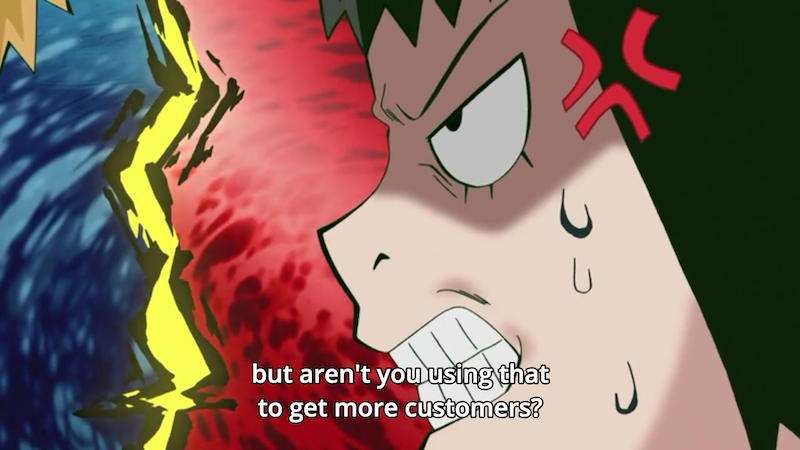
    Reigen vs. Kurata over the phone 😆 I liked the execution of this scene.

    Screenshot_2016-07-20-23-03-18

    Screenshot_2016-07-20-23-02-54

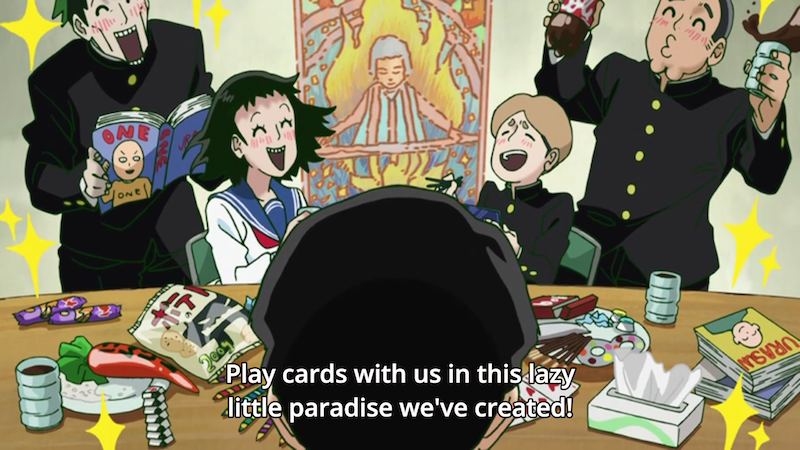
    So Kurata has an idea how Reigen is a fake psychic and is only using Mob. 😆 While Reigen has an idea how the Telepathy Club only needs the club room and club budget so they could stay in the room while playing cards and eating snacks.


    Screenshot_2016-07-20-23-08-11

    The second half of Mob Psyscho 100 episode 2 shows us Reigen and Mob dressed as school girls. 😆 I don’t remember seeing this in the first four chapters of the manga. I liked how female Reigen acted and spoke. xD He looked like he could pass as a tall school girl.

    Screenshot_2016-07-20-23-11-24

    Screenshot_2016-07-20-23-11-46

    …not! Ugh. He planned everything so that only Mob would get into the school to exorcise the spirit.

    Screenshot_2016-07-20-23-11-39


    This is the Mob Psycho Episode 2 evil spirit: The Scent-Ghoul.

    Screenshot_2016-07-20-23-16-12

    This episode actually made me think about my own life 🙁 If I were still in middle school like Mob, I would choose to be a programmer and start my career much earlier than I actually did.


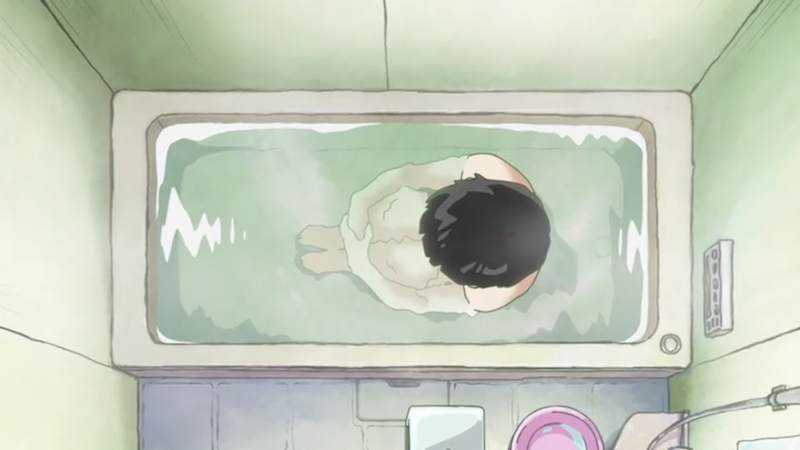
    Mob in the bath tub: if this were One-Punch Man, there would be bubble popping from the bath water. lol.

    Screenshot_2016-07-20-23-18-18

    In the end, Mob decided to join a club…Screenshot_2016-07-20-23-18-02

    Unexpectedly, the Body Improvement Club! 😆

    Screenshot_2016-07-20-23-21-26

    All for his crush Takane Tsubomi, who likes athletic guys. Awww.

    Tsubomi in manga looks so different from Tsubomi in manga. LOL. I think that I was cracking up at the manga chapters 1 and 2 because of the art style. The characters’ faces look funny in the manga. 😆

  • Laravel 5: create route group that is only available during testing (Middleware)


    Today I needed to protect a group of routes from everything except my testing environment. I need to run PHPUnit tests that depend on certain routes, but I don’t want those routes to be available anywhere else. I’ll share in this blog post what I did to get what I need.

    Assumptions in this tutorial:

    You already have Laravel 5 installed on your computer and you are running the app in “testing” mode (e.g. PHPUnit testing)

    Introduction

    In Laravel, Middleware filters requests that are coming into our application. One of the pre-made Middleware in Laravel 5.2 is Authenticate, which looks like this:

    Inside the handle() method, it checks if the request is using AJAX -or- is asking for JSON, and if either condition returns TRUE, it blocks access and returns ‘Unauthorized’ as response. Otherwise, client is redirected to the ‘login’ route, which should happen when client is requesting via web browser.

    What I did to make my grouped routes available only in testing environment (in my case, when running PHPUnit) was create a new Middlewave. I’ll show you how. 🙂

    Create a new file under Http/Middleware and name it TestingEnvOnly.php

    In the handle method, we check if app environment is set to testing, and if so, we allow the request to access the requested route. Otherwise, the request should fail and repond with ‘Unavailable’.

    Now, let’s register this Middleware to Http/Middleware. Add the following to the $routeMiddleware array:

    It’s time to add a testing-only route:

    If you use PHPUnit like I do, you can test our new Middleware by creating this test method:

    I’m only using var_dump so that we can easily see the printed string response which should say “This should be visible only for testing environment” when you run PHPUnit.

    Now, in your web browser, visit the route your set for /api/v1/testing_env_only. It should say ‘Unauthorized’.

    Here’s how the files I edited in Laravel look like now:

    I’m using Laravel 5.2 and these are codes I uploaded at Gist

  • Laravel 5: activate API token guard and print “Unauthorized” instead of login redirect

    In Laravel 5, I wrap my API routes in a route group like this:

    Notice that I use auth:api and throttle on my middleware array.

    auth:api turns on the auth middleware with API token as guard, while throttle activates rate limiter for APIs.

    To get started with API token authentication, you may read https://gistlog.co/JacobBennett/090369fbab0b31130b51.

    I followed the same tutorial to set mine up, but had this issue: Upon using invalid api_token or no token at all, I am redirected to the /login route, which in my case is a currently nonexistent route.

    As instructed by the guide, I already edited my app/Http/Middleware/Authenticate.php file to add the || $request->wantsJson() condition, but my API routes still redirected to /login route upon detection of invalid api_token.

    The solution

    What I did was add another condition: || $guard == "api"

    And now, my app/Http/Middleware/Authenticate.php file looks like this:

  • Android app dev: ShareActionProvider in Activity & Fragment

    I’ve been taking the Developing Android Apps course on Udacity, and yesterday I encountered a difficulty in solving the Quiz: Share Intent.

    One of the course’s goal is to build the Sunshine App – an Android app with weather forecast.

    In that quiz I had to implement ShareActionProvider on my DetailsFragment so that a share icon becomes available on my app’s ActionBar.

    One of the main difficulties was the error that stated ActionProvider cannot be cast into ShareActionProvider. And at some point there was also an error saying that the methods/classes I’m using require API 14, while my minimum supported API is 9. The Udacity course required that I set it to 9 so I couldn’t change that.

    Now, the sharing in my app is working file, and I will share how I did it via Gist. I actually ended up taking a peek at the code provided by Developing Android Apps course on Udacity because I didn’t want to waste any more time doing trial-and-error (I have another project to work on! lol), but I still had to edit their code for ShareActionProvider here and there to make it bug-free.

    And so, take a look at how my Sunshine app codes ended up:

  • Mob Psycho 100 anime episode 1 review (SPOILER ALERT)

    Mob Psycho 100 anime episode 1 review (SPOILER ALERT)

    My office friends are watching Mob Psycho 100, an anime series that just started airing last week. It’s from the same creator of One-Punch Man, who is called One.

    Mob Psycho 100 anime introduction

    I read chapter 1 of the Mob Psycho 100 manga after watching episode 1 of the anime, and honestly, the manga made me laugh more than the anime. Probably because of the drawing style — they look funnier in the manga. 😆

    In Mob Psycho 100 episode 1, the anime introduced notable characters such as Reigen the fake psychic and Shigeo, the main character who we are calling “Mob”.


    I wonder how he got the nickname Mob.

    Episode 1 also showed us a man with large cleft chin that looked like a butt, and I started cracking up with mild cursing when I saw that! “One” really likes that kind of chin, huh? 😆 I could only imagine that the “kid with large chin” in One-Punch Man had grown up to be that guy in Mob Psycho 100.

    Anyway, that kid Mob, with his passive carefree attitude and constantly bored facial expression reminds me so much of Saitama from One-Punch Man. My friends think it’s a good thing but I’m torn like, haha he reminds me so much of that funny guy Saitama, while thinking, can’t One create a more unique main character?

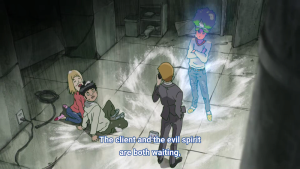
    This scene made me chuckle when Reigen was like “Hey come here Mob, the client and the evil spirit that we need to exorcise are waiting” combined with the chill look on the spirit while waiting. 😆

    Hehe, the thug ghost in the second part of Mob Psycho episode 1 turned into a cute li’l blue ghost with a mustache and high-pitched voice.

    I must also say I dislike how Reigen’s personality. Yeah, I know, I know. Reigen being a fraud is supposed to be funny and I do find him funny, but at the same time I don’t like him. Maybe because I have seen [and hated] people in real life getting all the credit when they are not really the ones who do the amazing job. And the ending, when Reigen treats Mob to ramen and told him he may only order up to two add-on chashu pork, while Reigen had so many add-ons to his ramen. I felt bad for Mob during that scene. Yeah maybe this is just me taking things too seriously again. :p

    Well, I will surely watch Mob Psycho 100 up to the last episode and will try to keep reading the manga. 🙂

  • Mac OS X – Sublime Text 2 key bindings suddenly stopped working (SOLVED)

    https://www.sublimetext.com/docs/2/revert.html

    I’m using a Mac Mini with OS X El Capitan (v. 10.11) with Sublime Text v.2.0.2.

    Today, Sublime Text shortcuts like Cmd + / (line comment), Cmd + D (multiple selection), Cmd + F (find) and others stopped working. I had no problem with those key bindings before until today.

    Based on research, I found that it could be caused by packages installed to Sublime Text. Aha! It could be the GoToClass package that I just installed today! I uninstalled it since I was desperate and the package didn’t work as I need it to anyway. Still no luck, my favorite Sublime Text shortcuts still didn’t work.

    I decided to revert my Sublime Text into a clean install. That fixed my key bindings that stopped working.

    I’ll show you how.

    First, quit Sublime Text 2.

    Then remove the “Sublime Text 2” folder that’s located at ~/Library/Application Support/. You may try to do so by running this command in the terminal:

    FYI: The backslashes are required to escape the white spaces in file/folder names. rm is the command for removing files/folders. The -rf flag means that we want to remove the folder we specified and all its contents recursively.

    Once deleted, run Sublime Text 2 again. You’ll notice that it’s back to its freshly installed state. 🙂