Today my task at work is to install a WHMCS Theme from whmcsthemes.com. WHMCS Themes has this theme installation instruction video, but I find it a bit difficult to follow cos I have to pause from time to time. So I took down notes in Notepad. And in case there are people searching for these, here they are:
(more…)
Category: Technology
-
How to install a WHMCS Theme
-
Free PDF Download: AJAX for Dummies
Learn AJAX (Asynchronous JavaScript and XML) using the Ajax for Dummies ebook.
-
Free Download: ShootMe.apk for Android
ShootMe is an Android app for taking screen caps on Android devices. It’s very popular, but has been removed by the developer from the Android Market for some reason.
IIRC, it’s said to take screencaps just by shaking your Android device.
Here’s a download link to a ShootMe.apk file. Let me know if it works or not, because I believe this Android app requires ROOT access, which I do not have. (more…)
-
Windows 7 – if you cannot open Gadgets menu or some Gadgets are hidden
There was a problem in my Windows 7 desktop a while ago. Supposed to be, there were two Gadgets in there, and I noticed the other is missing. I thought maybe I just accidentally removed it, so I decided to open the Gadgets menu to place it on my Windows 7 desktop again. BUT when I right click and select Gadgets, nothing happens. I tried choosing Gadgets again a few more times, but the Gadgets menu really would not show. I even tried going to Control Panel -> Appearance and Personalization -> Desktop Gadgets, but still, nothing happened.
I searched Google and found a forum with the solution. It was very simple, actually. (more…)
-
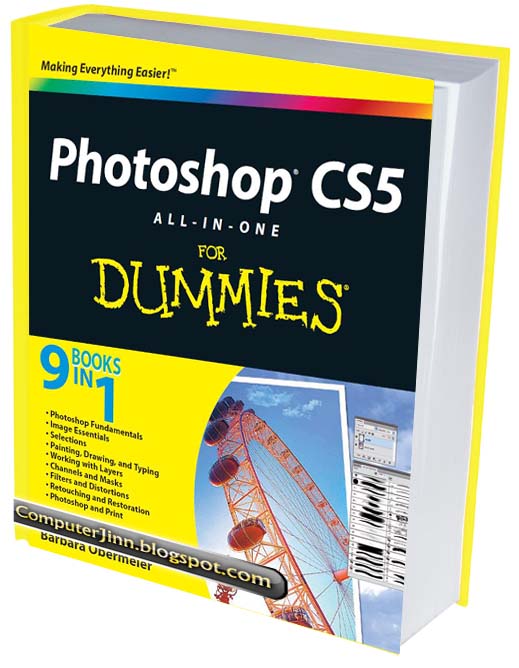
Photoshop CS5 for Dummies (Free PDF Ebook Download) by Barbara Obermeier
Photoshop CS5 all-in-one for Dummies (2010) is written by Barbara Obermeier and may be considered 9 books in one, as it covers the following topics in digital graphics editing and design:
• Photoshop Fundamentals
• Image Essentials
• Selections
• Painting, Drawing, and Typing
• Working with Layers
• Channels and Masks
• Filters and Distortions
• Retouching and Restoration
• Photoshop and PrintPhotoshop CS5 for Dummies Download Link:
The ebook Photoshop CS5 for Dummies (PDF format) that you are about to download is in full color and 35 MB in size:
-
Workaround if Adobe Photoshop CS5 won’t save files because of screen resolution
I just installed Adobe Photoshop CS5. I finished the graphic I was working on and so, hit Ctrl + S. Nothing happened. Chose Save, as well as Save As from the File menu, and still nothing happened. Save for Web and Devices works, but I needed to save my file in .PSD format.
After some Google search I read that this happens if your (more…)