According to the Laravel docs, “After installing Laravel, you may need to configure some permissions. Directories within the storage and the bootstrap/cache directories should be writable by your web server or Laravel will not run”.
After running this command to install Laravel via Composer:
1
composer create–project—prefer–dist laravel/laravel blog
Change directory ownership by running these commands:
I kept getting a different Facebook key hash from the one being actually generated by my debug app when it runs. Turns out I’ve been entering the wrong keystore password.
To get your key hash for Facebook SDK on Ubuntu, run the following command:
In case you don’t have the keytool program yet, you’ll see the following message:
The program ‘keytool’ can be found in the following packages:
* gcj-5-jre-headless
* openjdk-8-jre-headless
* gcj-4.8-jre-headless
* gcj-4.9-jre-headless
* openjdk-9-jre-headless
Try: sudo apt install
What I did was install openjdk-9-jre-headless by running the command:
1
sudo apt install openjdk–9–jre–headless
Wait for your selected program to install and try the first command again to generate key hash for Facebook on Ubuntu.
When prompted for keystore password, try to use “android”.
The unknown scares me. It was what triggered an injury on my toe back when I tried to snorkel in Samal Island. I was wearing a life vest but still felt nervous in the water… not only because I didn’t know how to swim back then, and I did not know what aquatic creatures I may encounter while snorkeling. What if there were sharks or snakes that may attack me? I have no clue (and still do not) what I should do when I encounter such creatures, and so when the life guard began shouting unintelligibly at us just as I was trying to make myself comfortable in the water, I had a panic attack and tried to swim back very nervously to the stairs back to the land. My foot hit some stone underwater in the process and only realized that I was injured when I saw the pool of blood under my big toe.
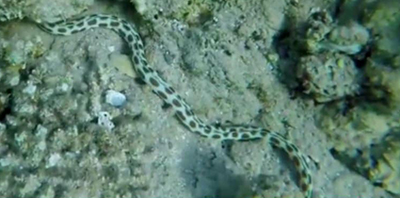
I may still be afraid of unknown marine creatures that I may encounter underwater up to now, but I believe that I have made significant progress in building confidence in sea water. Though always anxious when I do it, I’ve recently been enjoying swimming on the surface of the sea water while enjoying the sight of life on the coral reefs below me… also known as snorkeling. 😆 I even actually saw a sea snake, or eel (not sure which one it is) during my first successful injury-free snorkeling at Anilao, Batangas. Good thing it was only lazying on the sand when I passed it. Otherwise, I might have panicked again. Lucky I saw it when I was just about to go back to the shore. If I had seen it at the start of my snorkeling session, I might have backed out right away. Yeah, yeah. I’m such a scaredy cat!
The comfort I now have in the water all started with swimming practice in a swimming pool near my home, and the snorkeling experiences that I’ve been gradually piling up over time. 🙂 I’m actually recently interested in naming the marine creatures that I see when I snorkel. I’ll try to name some in this blog entry!
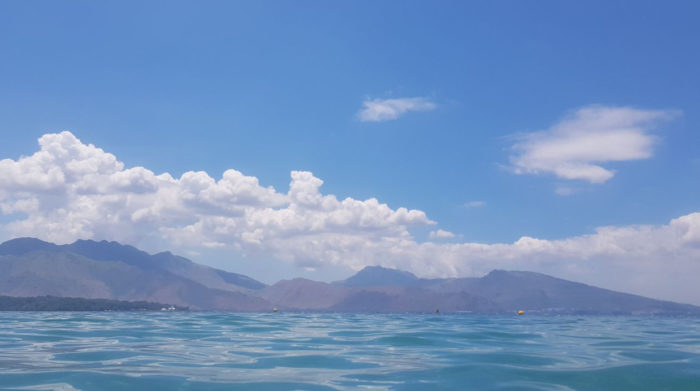
You will love the view of the sky, mountains and ocean
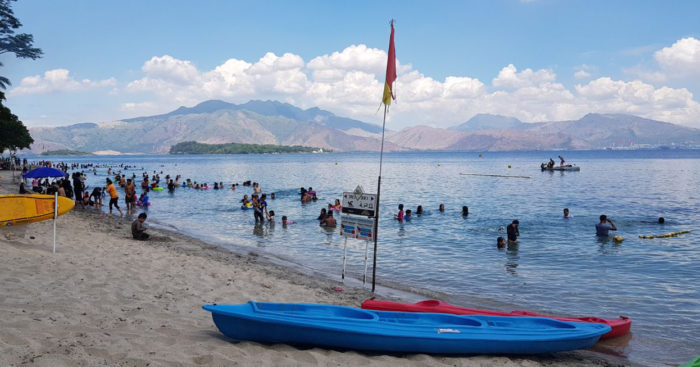
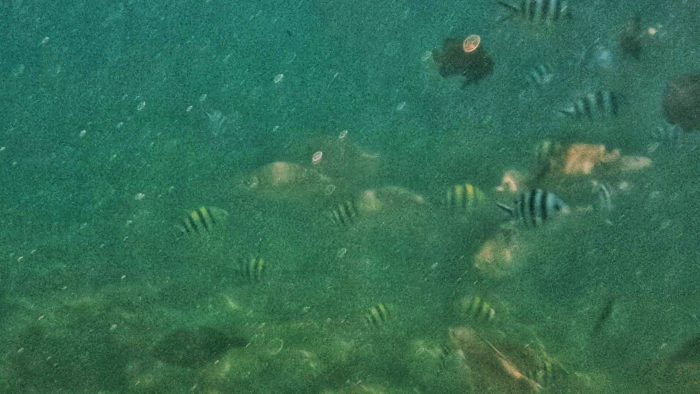
My most recent snorkeling session was in Subic, specifically at Camayan Beach Resort, where fishes could be seen easily in the clear waters near the shore.
fishes in Subic, (Zambales Philippines)
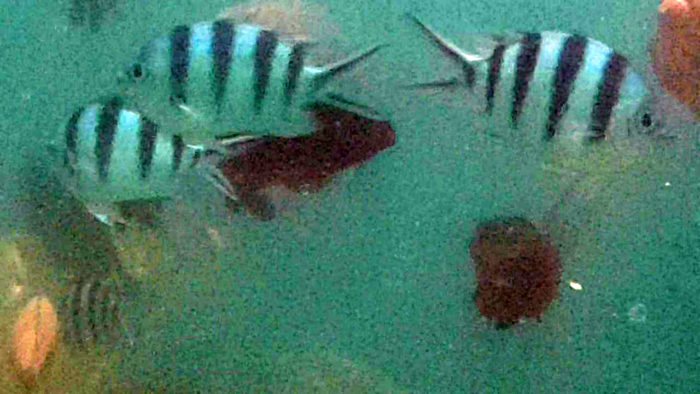
These were the sergeant fishes in Camayan Beach Resort, which I think are one of the most common types of fishes in Philippine reefs. They have black stripes that start from the top of their bodies, and ending just above their bellies. Many of them have a yellowish color on their top too.
This is the closest I’ve swam with fishes!Diamond scale mullet (banak)
I noticed that there were these larger than usual fishes that liked swimming by pair near the surface of the water. Of course I got a bit anxious about them 😆 They’re a bit big and swim right where we snorklers do!
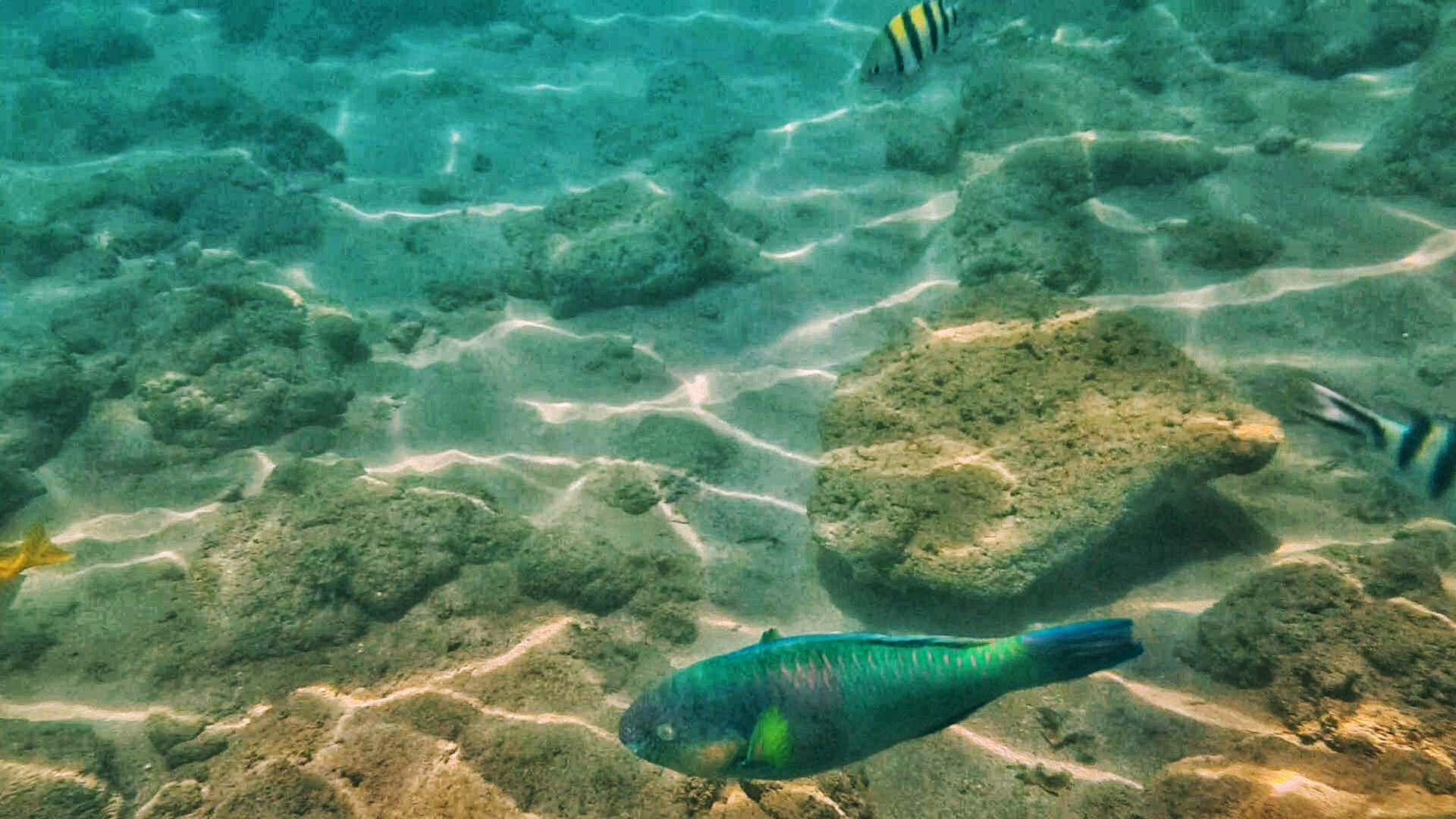
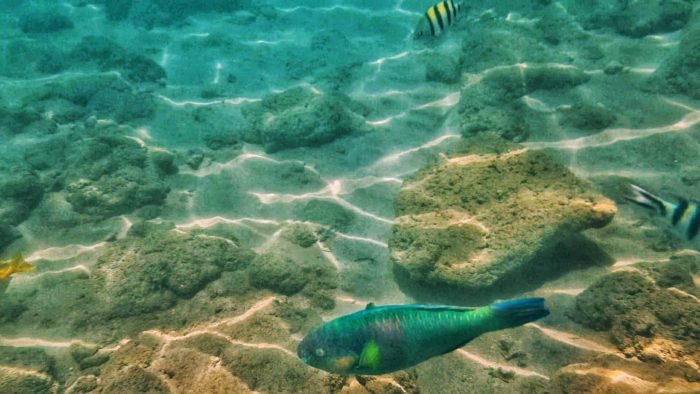
A parrot fish swam right in front of me! Lucky I was shooting pictures/videos at that moment.
These look like parrot fishes too
I’m not sure if the purple fish and its company are parrot fishes too. Help, anyone?
Speaking of parrot fishes, I’ve read somewhere that we should discourage consumption of parrot fishes. They help maintain coral reefs by feeding on the reefs’ algae.
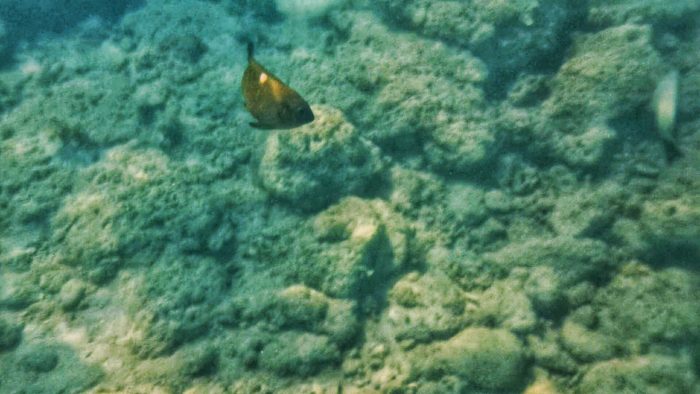
What’s this dark fish called, anyone?
I think snorkeling can be fun when you get to swim so close to fishes and are able to identify some of them. I should read more about common reef fishes in the Philippies for my next snorkeling adventures!
What else besides the unknown makes me panic while snorkeling? It’s when sea water gets into my snorkel, and usually into my throat! My snorkeling partner tells me I should just blow it out, but seawater gets in my throat and that makes me cough uncontrollably. I usually go back to the shore right away to calm down when that happens. 😆
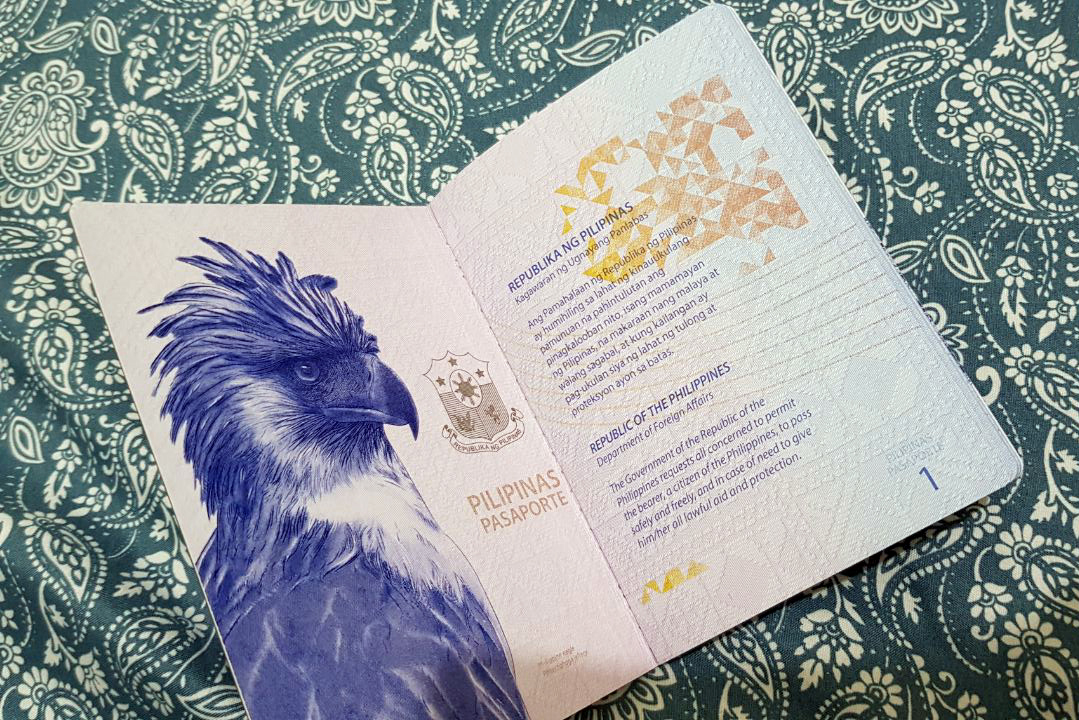
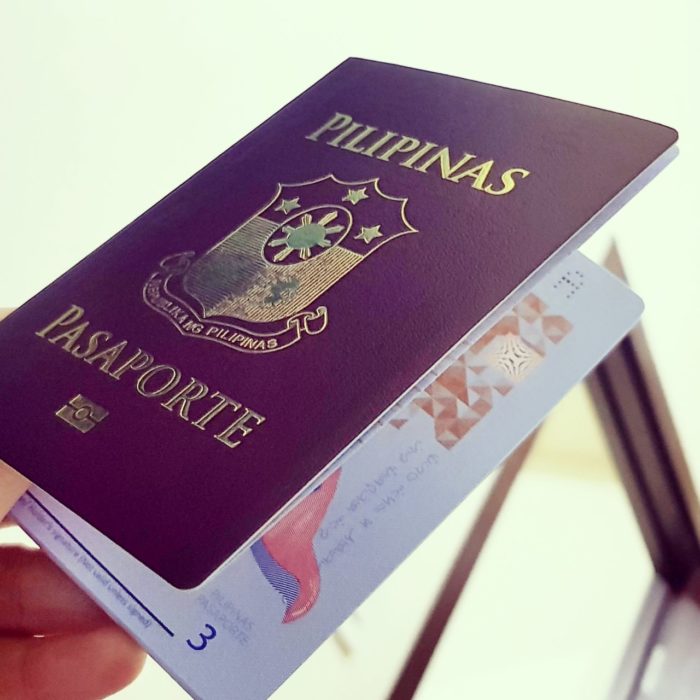
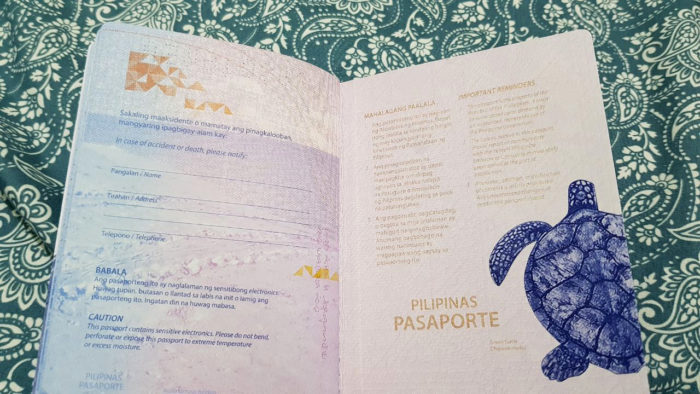
On April 14, we had an appointment at DFA SM Manila for Philippine passport renewal. The process took 2 hours in total, which wasn’t so bad. We were holders of the older type of e-passport, which were only valid for 5 years. We received our renewed passports via LBC about 10 business days (rush) after our visit to DFA SM Manila. Our new passports are now valid for 10 years! We noticed that the valid IDs required for passport application are more difficult to acquire, compared the ones required for the older e-passport that was only valid for 5 years. This may be because there’s a spurt in the number of people applying for passport for ID purposes. Who doesn’t want an ID that is valid for 10 years? 😆
As I write this, I think DFA still hasn’t opened slots for July 2018 onwards because of a change in the passport application/renewal procedures. Their plan is to require payment before securing an appointment for passport application/renewal. In my opinion, this is a good move from DFA because this will ensure that people who reserve an appointment slot are those who really need it. Right now, I know a lot of people who need to renew their passports for travel purposes, but cannot do so because the slots are taken by people who make money out of the schedules, or wasted by people who don’t show up on their appointment date.
Using of phones is strictly prohibited inside DFA SM Manila. The guards called out anyone caught using their phone. There’s TV inside without audio, but kept us entertained nonetheless because the show was about pranking strangers in public ala Wow Mali!
What was our Philippine Passport Renewal like in April 2018?
We went through the following steps at DFA SM Manila:
Verification
There’s a reception counter where the DFA staff will verify your appointment date and time. The line here is short. When verified, they’ll let you proceed to the processing area.
Processing
Completion and validity of requirements is verified during processing. We’re e-passport holders so our only requirement was our old e-passport. FYI: to married women who would like to change from maiden name to married name, make sure to bring an original and photocopy of your PSA marriage contract and declare to the staff in the counter that you’d like to change your surname. In the application form, you should write your married name instead of maiden name.
Cashier
The line was not long at the cashier. Pay for your passport application or renewal in cash here. We paid 1200 pesos for each passport. By the way, in DFA SM Manila, you’ll be forced to pay expedite/rush fee if you go on a Saturday. Don’t worry, the early release date for expedite/rush transactions will apply. 🙂 We received the new passports in our doorstep 10 business days after visiting DFA. Otherwise, you only pay P950 for regular processing time of 15-20 business days.
Encoding
Ahh, this is the hardest part! The line was very long here. Try to bring something that will entertain you aside from a phone, since it’s strictly prohibited inside DFA SM Manila 😆 At the encoding area for Philippine passport application and renewal, they take your digital thumb marks, digital signature, and photo. Make sure you look nice in your passport photo — that will be your photo for the next 10 years! 😆 Do not wear contact lens especially colored ones. About 5 years ago I was wearing clear prescription contact lenses and the photographer said it was okay, but this days I’m not sure. Better be safe than be asked to remove them with hands you cannot wash immediately.
Delivery (Optional)
You may choose to pickup your new passport from DFA, or have it delivered to your address via LBC. That would be 150 pesos for each passport.
How about your Philippine Passport Renewal in 2018?
Have you just renewed your passport too? Let us know in the comments how it went! 🙂
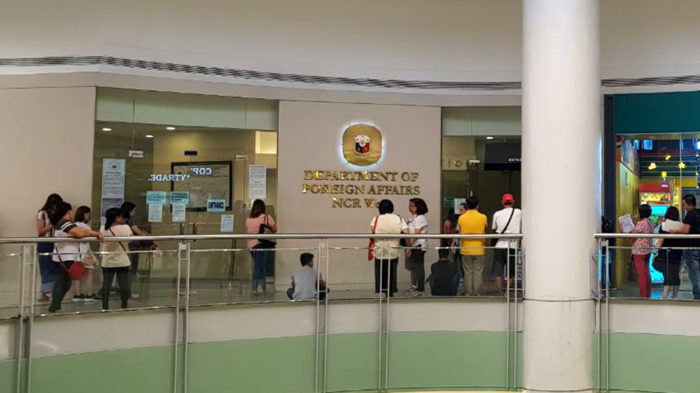
DFA SM Manila is also known as (NCR West SM Manila Site)
When I was trying to access a SharedPreferences value from my Android app’s SyncAdapter, I kept on receiving an old value that was saved to the key.
Quick solution to inaccessible SharedPreferences from SyncAdapter
A quick solution (which may be a short-term one) I tried was to remove android:process=":sync" from the following code:
1
2
3
4
<service
android:name=“.service.SyncService”
android:exported=“true”
android:process=“:sync”>
But beware:
The attribute android:process=”:sync” tells the system to run the Service in a global shared process named sync. If you have multiple sync adapters in your app they can share this process, which reduces overhead.
My long-term solution to inaccessible SharedPreferences from SyncAdapter
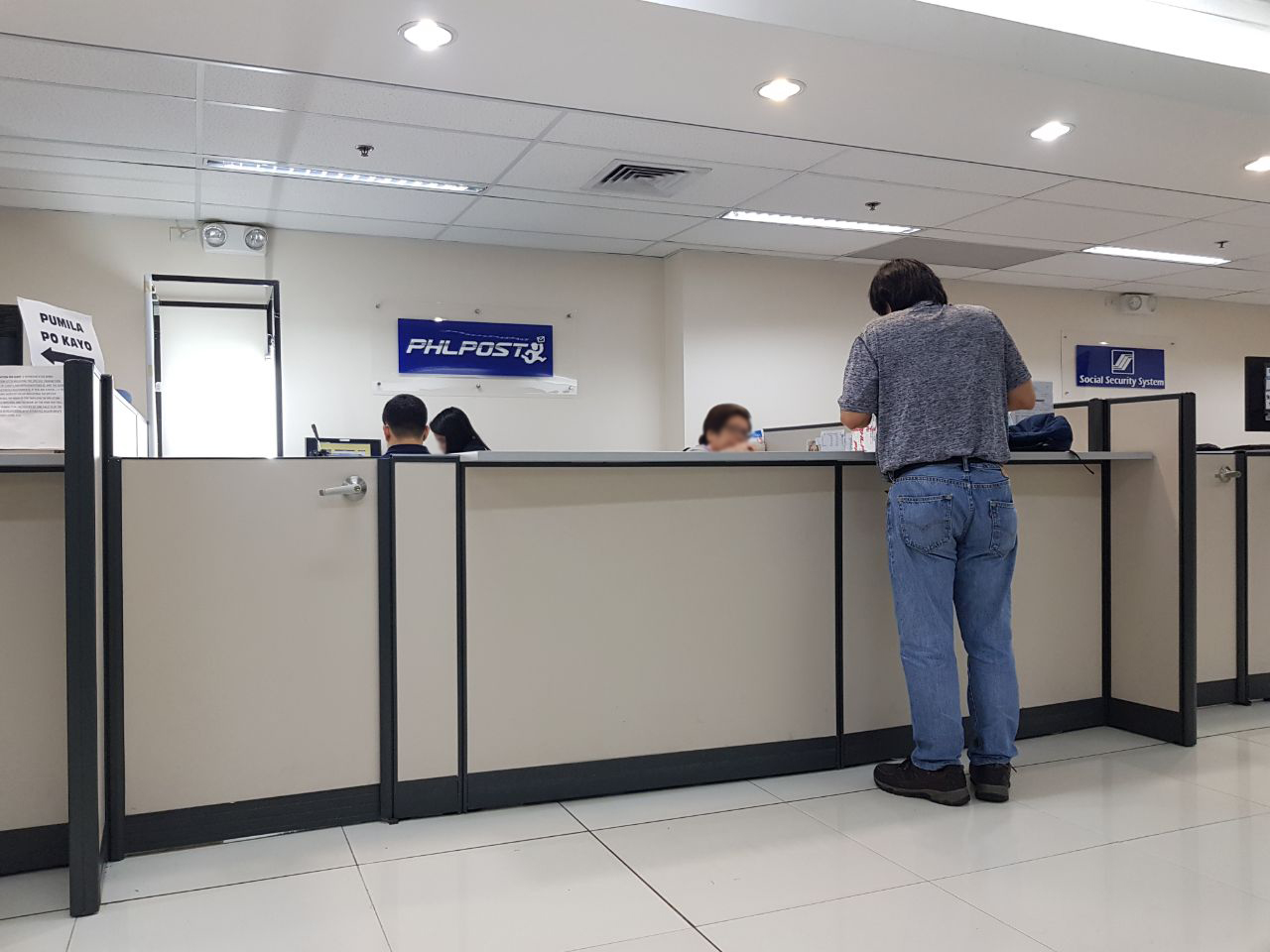
If you prefer to apply for a postal ID at one of the PHILPOST branches in malls, then I think you’ll get valuable information from this page. We chose to get our postal ID from SM North EDSA; it wasn’t an easy process for us because of things we didn’t know beforehand. And now, I’d like to provide you guys information that will help you avoid the inconvenience that we had gone through. 🙂 We think the PHILPOST website may not be updated with the list of requirements for application.
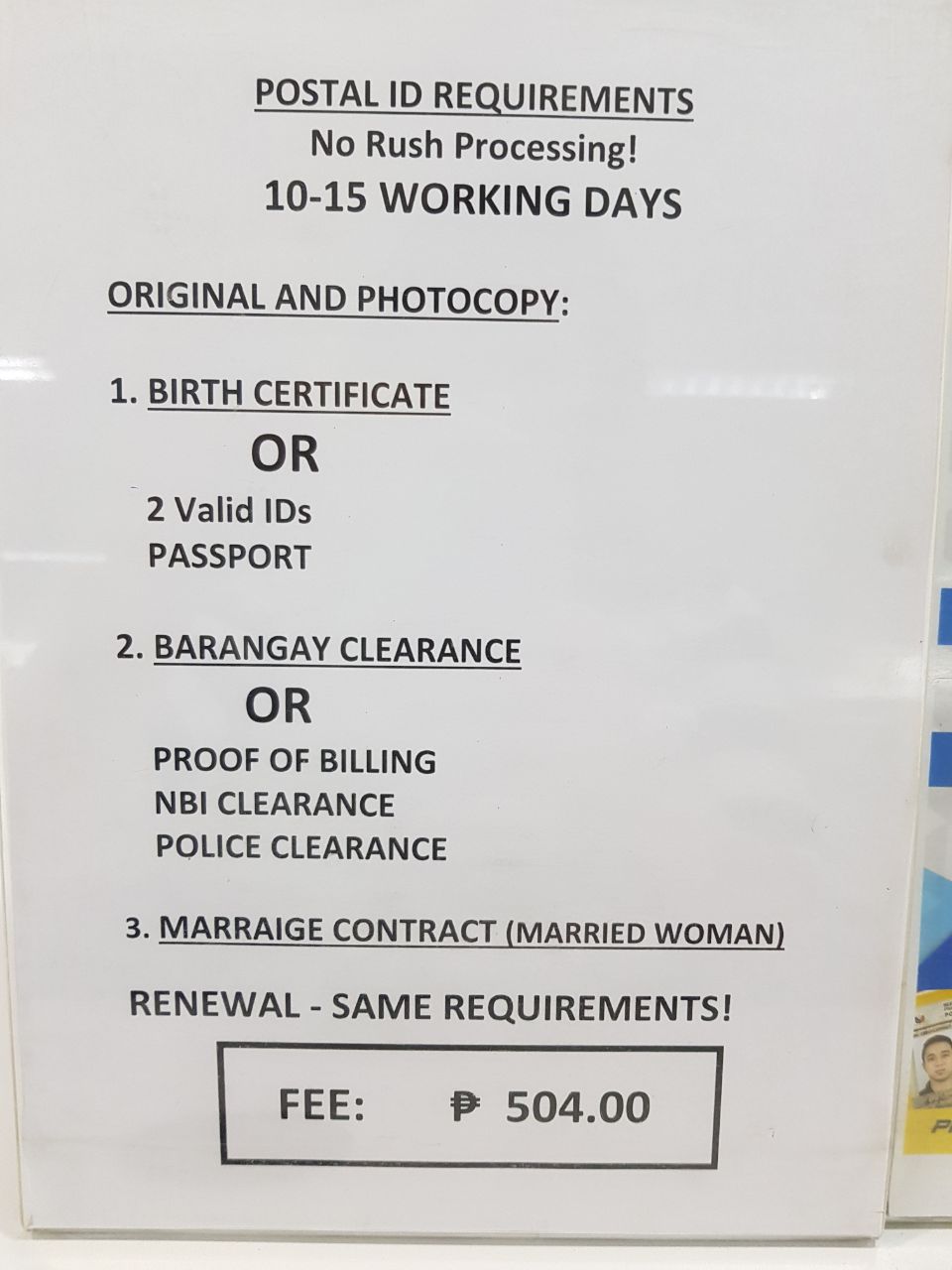
Following is the list of documents you need to bring to the SM North EDSA capturing station, applicable to both application and renewal of postal ID:
Photo of Postal ID requirements at SM North EDSA
2 accomplished postal ID application forms
Birth certificate, 2 valid IDs, or passport
Barangay clearance, proof of billing, NBI clearance, or police clearance
Marriage contract if you are a married woman
Photocopy of all documents except the postal ID application forms
Cost of Postal ID at SM North EDSA
At PHLPOST in SM North EDSA we were charged P504.00 for each postal ID, which is the same cost listed in the PHLPOST website FAQ.
During application for Postal ID at SM North EDSA
Once your documents are verified as valid and complete, the PHLPOST staff will take your photo, digital signature, and digital fingerprints. Such a waste that they have digital signature and fingerprint scanners but don’t have photocopy machines. It must be the lack of space in their spot.
Delivery of your postal ID
At SM North EDSA PHLPOST, there’s no rush processing and you need to wait 10-15 working days. On the postal ID application form you should be able to choose whether you’d like it to be delivered to your home address or work address.
Update: One of us received her postal ID early. We applied together for postal ID at SM North EDSA on January 27. Expected delivery date was within February 8 to 14 but she received it on February 6, 2 days earlier than expected.
…
Applying for postal ID at SM North EDSA was very inconvenient for us because the requirements listed in their website did not match the ones that PHLPOST SM North EDSA was asking from us. Read on to find out what happened.
Inconvenience #1 at PHLPOST SM North EDSA:
Inconsistent list of requirements versus what’s listed on their website
In the Philippine Postal ID website it is said that you only need 1 ID if you are presenting your birth certificate, UMID card, driver’s license, or passport… but it’s NOT TRUE. Fake news po yaan, at least at the PHLPOST SM North EDSA branch. I presented my SSS UMID to the PHLPOST staff but she said they need a total of 2 valid IDs if the ID I’m presenting is not my birth certificate or passport. We told the staff that their website says we need no other valid ID if presenting a UMID. She insisted that they are only following the memorandum passed on to them, which states that applicants are required to present 2 valid IDs if not able to present bring birth certificate or passport.
Inconvenience #2 at PHLPOST SM North EDSA:
Website doesn’t say you need to photocopy your documents; PHLPOST SM North EDSA will require you to photocopy somewhere out there because they don’t have photocopy machine
We tired ourselves out walking from building to building at SM North EDSA to look for photocopy service. National Bookstore’s was closed at that time. If you need to photocopy something in that mall, go straight to either Western Union at the Hypermarket or FAX PARCEL PRINT. FAX PARCEL PRINT also provides lamination service.
Inconvenience #3 from PHLPOST in general
PHLPOST provides inconsistent information to people, an example being the previously mentioned issue with my SSS UMID card for identification. Another example is that I messaged the Postal ID Facebook page to ask if I would be allowed to use a utility bill that’s under my husband’s name as proof of my current address. Unfortunately, they said that the utility bill needs to bear my name. I wasted time preparing other docs that would prove my residency at my current address, only to find out at PHLPOST SM North EDSA that I am allowed to use a utility bill bearing my husband’s name! Geez.
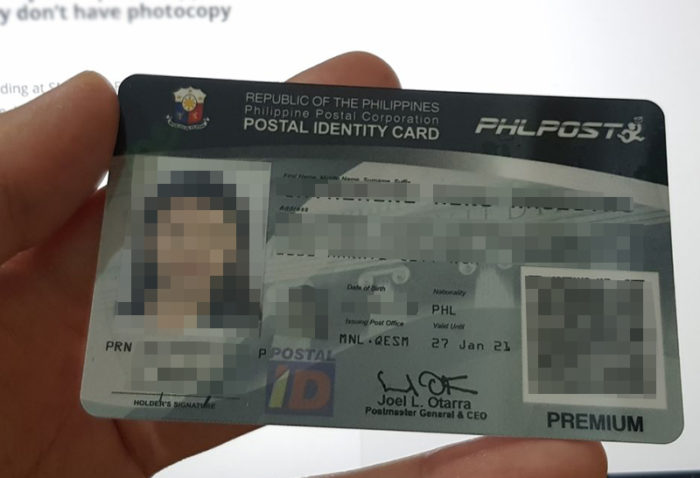
What the postal ID looked like:
Anyway, here’s what my postal ID is like. Of course I pixelated private information including my face 🙂 Most people and establishments who require valid ID honor this.
It’s funny how we spent about an hour trying to figure out why the Intent extras that we’re setting are not being sent back to onActivityResult(). If we only knew that the solution was as simple as moving one line of code.
The call to super.onBackPressed() should be placed after setting Intent extras and after finishing the current activity. Like so:
I use a few instances of WordUtils.capitalizeFully() on an Android app that I’ve been working on. And there are times when the import org.apache.commons.lang3.text.WordUtils; breaks, sometimes after merging with some of my git branches.
To fix this, what I do is open app/build.gradle and add the following line under dependencies:
When using Android’s RecyclerView, don’t use the same inflated XML layout file for items you intend to shuffle on the fly! Their contents will overlap.
If your Android app is crashing with error IllegalStateException “Cannot call this method while RecyclerView is computing a layout or scrolling”, you may try placing your notifyitemchanged inside a Runnable.
Assuming you have a call to notifyItemChanged() inside onBindViewHolder() that is making your app crash with IllegalStateException, you may try something like this: