Here are the recommended background image sizes in pixels for Android app development: xxxhdpi: 1280×1920 px xxhdpi: 960×1600 px xhdpi: 640×960 px hdpi: 480×800 px mdpi: 320×480 px ldpi: 240×320 px …as suggested in this StackOverflow page: Android: Background Image Size (in Pixel) which Support All Devices
programming
Android ImageView has unwanted padding: layout troubleshooting
If you use ImageView in your android app layout and you get that unwanted padding around the image, here’s an Android XML attribute that helped me solved the layout issue:
|
1 2 3 |
<ImageView (...) android:adjustViewBounds="true" /> |
Add android:adjustViewBounds=”true” attribute to your ImageView XML tag and you’ll probably see the unwanted padding go away. According to the ImageView docs: android:adjustViewBounds Set […]
Android app dev: image sizes for variety of screen sizes
As a mobile app developer, we need to consider various screen sizes for a wide range of Android devices. Here’s a quick note of recommended image sizes for Android app icons: 36×36 for low-density (LDPI) 48×48 for medium-density (MDPI) 72×72 for high-density (HDPI) 96×96 for extra high-density (XHDPI) 180×180 for extra extra high-density (XXHDPI) 192×192 […]
Get started: Android Studio app development on Windows 7 (Tested on LG G3 phone)
You can still follow this tutorial if you’re using another version of Windows or if you’re using another Android device. You don’t strictly have to use a Windows 7 computer and an LG G3 phone. 🙂 Being a web developer and a frequent user of Android devices, I’ve always been curious about Android app development. […]
Android: 2-dimensional List String (List of List)
For a web developer who used mostly PHP and JavaScript for several years, plunging into Java can be challenging especially when it comes to data types. PHP and JavaScript are loosely typed languages, while Java is strict about types. I was told that in Android, List<String> is very commonly used, even more than arrays. And […]
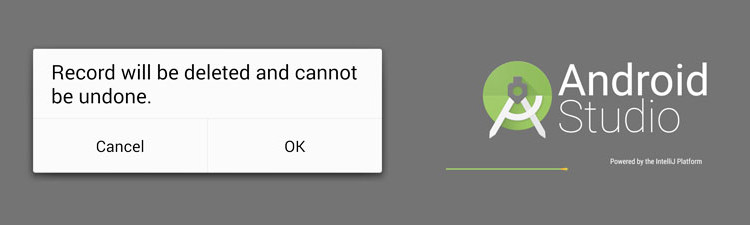
Android confirm dialog box with OK and Cancel button
This will probably be one of the Android code snippets that I will need to go back to from time to time. I’m sharing the codes we need to show an Android confirm dialog to prompt the user to click “yes” or “no”, or in my case, “OK” or “Cancel”. The following code for Android […]
Android Studio dark theme (change into Darcula theme)
You might feel more comfortable with a dark theme in Android Studio, but the default theme is light in color. I’m one of the developers who always code in dark screens since it’s less tiring to the eyes. If you’re like me who prefers dark themes while coding, then I’ll show you how to change […]
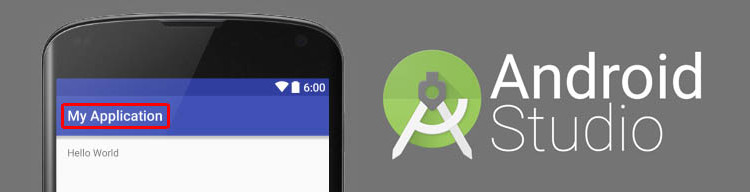
How to change app name in Android Studio
I’m trying to learn how to build a simple app in Android just to satisfy my curiosity. This will also be a very handy skill because I use Android phones often, and there are times that the apps I download from Google Play Store lack features that I need. This will be a very simple […]
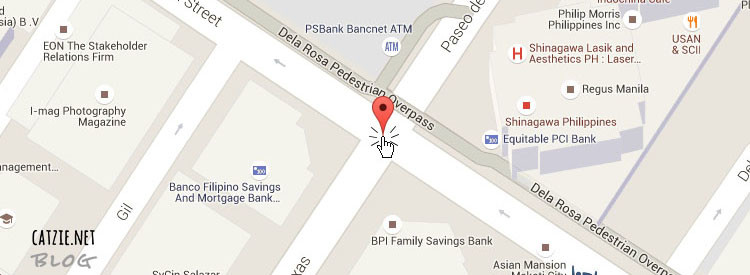
Google Maps get coordinates on click or drag and drop
With this tutorial you’ll see how we can place a Google map with search box on your web page, and then get coordinates (i.e. latitude and longitude) based on where you click or where you drag and drop the marker into. The JavaScript API of Google Maps will help us achieve this. This kind of […]
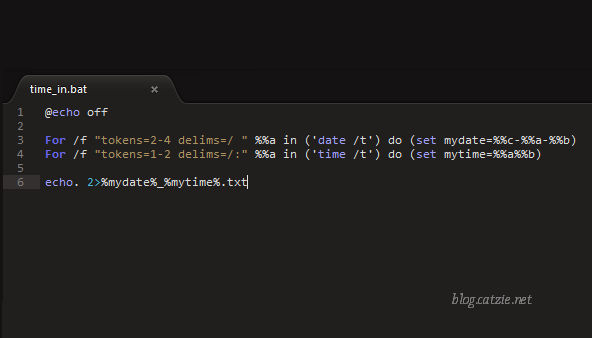
Log the date & time each time you turn on your Windows computer
In the morning, I sometimes forget the time I log into the time-tracking system in my workplace so I stay a bit longer to make sure I don’t get an “undertime”. I thought that my computer at work could help me with this issue somehow. I hoped there was a Windows program that can record […]